
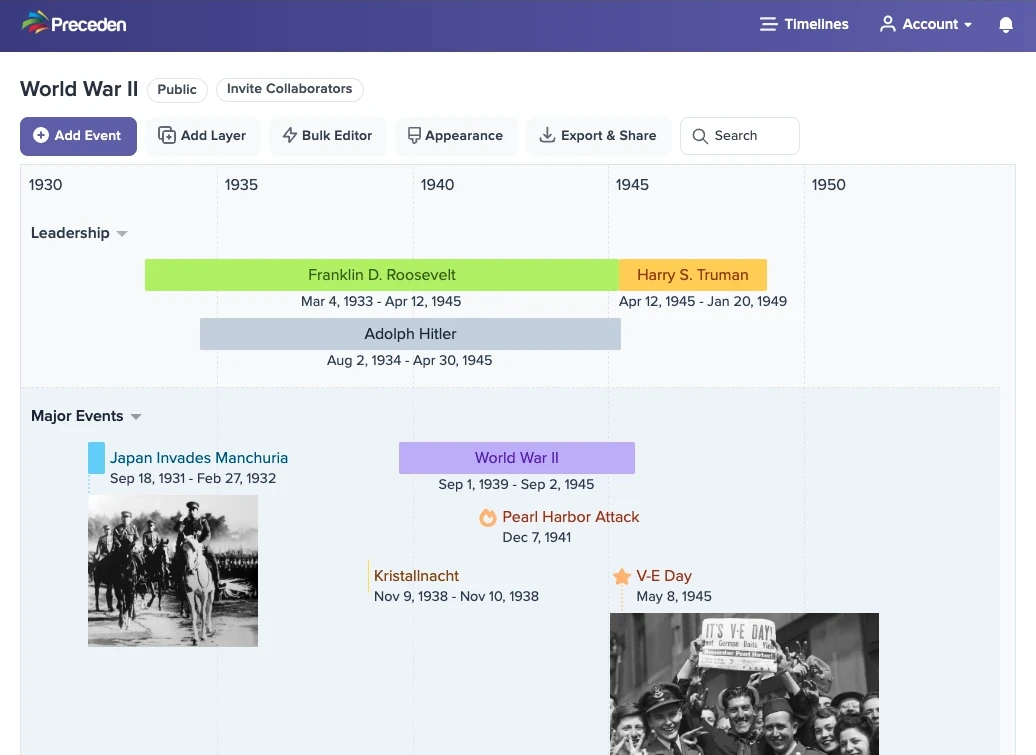
Preceden has been such a helpful tool for learning about history. The layers and color options allow me to see the historical context of an event at a glance. The collaboration feature makes it even more powerful because I can build complex timelines with my fellow students.
Create Timelines for Free
Our free plan lets you create unlimited timelines with up to 10 events each, whether the subject is ancient Rome, the history of computers, or the major events of World War II.
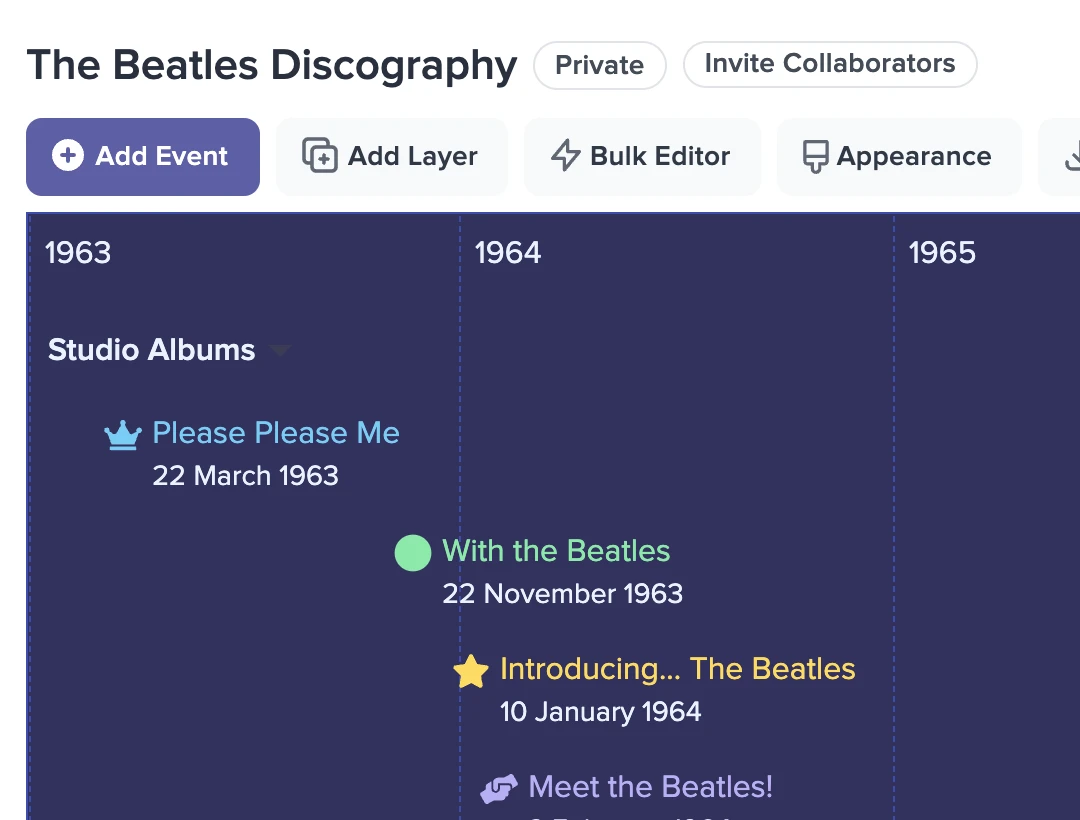
Improve Your Historical Knowledge
A Preceden timeline shows the relationships between historical events at a glance, which makes it a far more effective learning tool than a long list of dates.
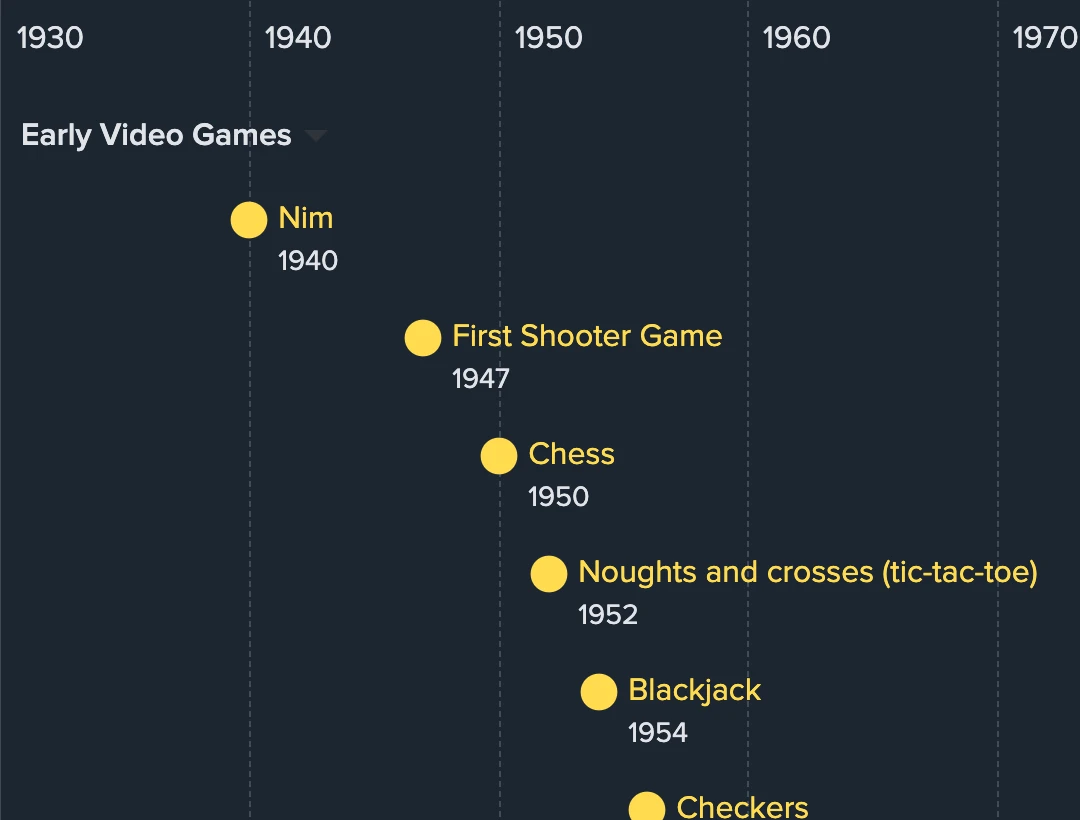
Put a History Timeline Together in Minutes
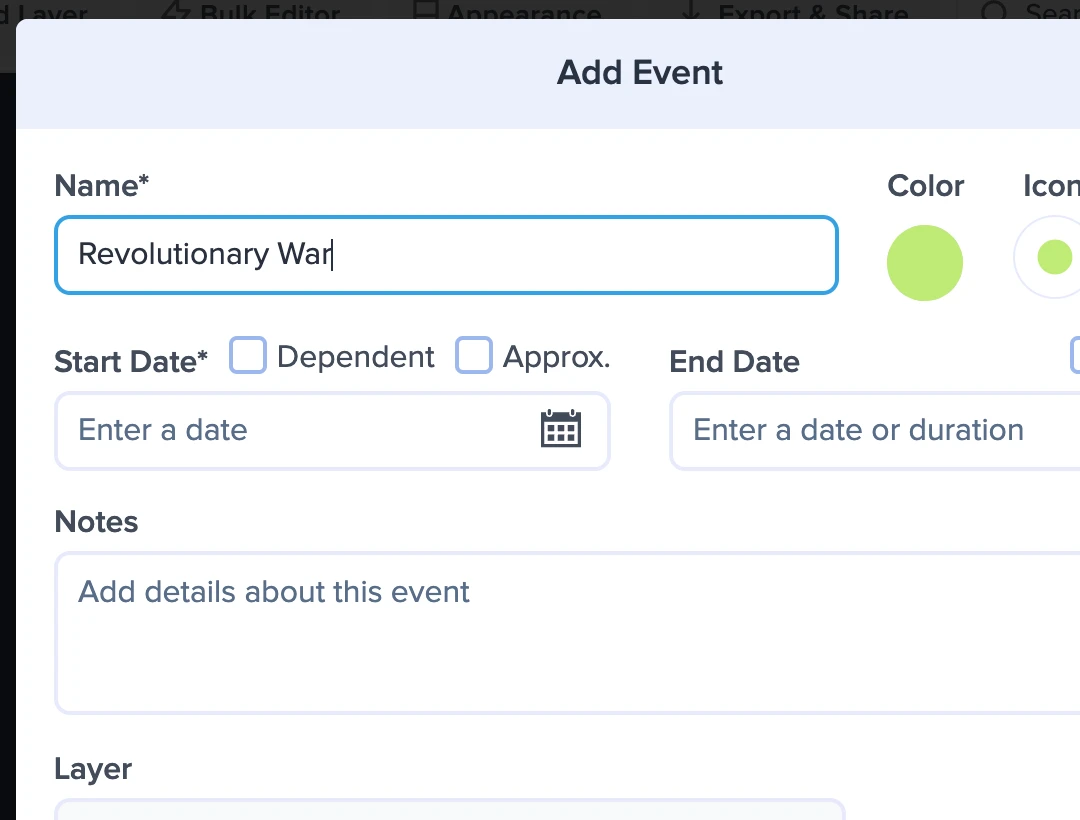
Preceden's editor is simple to learn, so a clear, polished history timeline takes only a few minutes to build.
Share With Ease
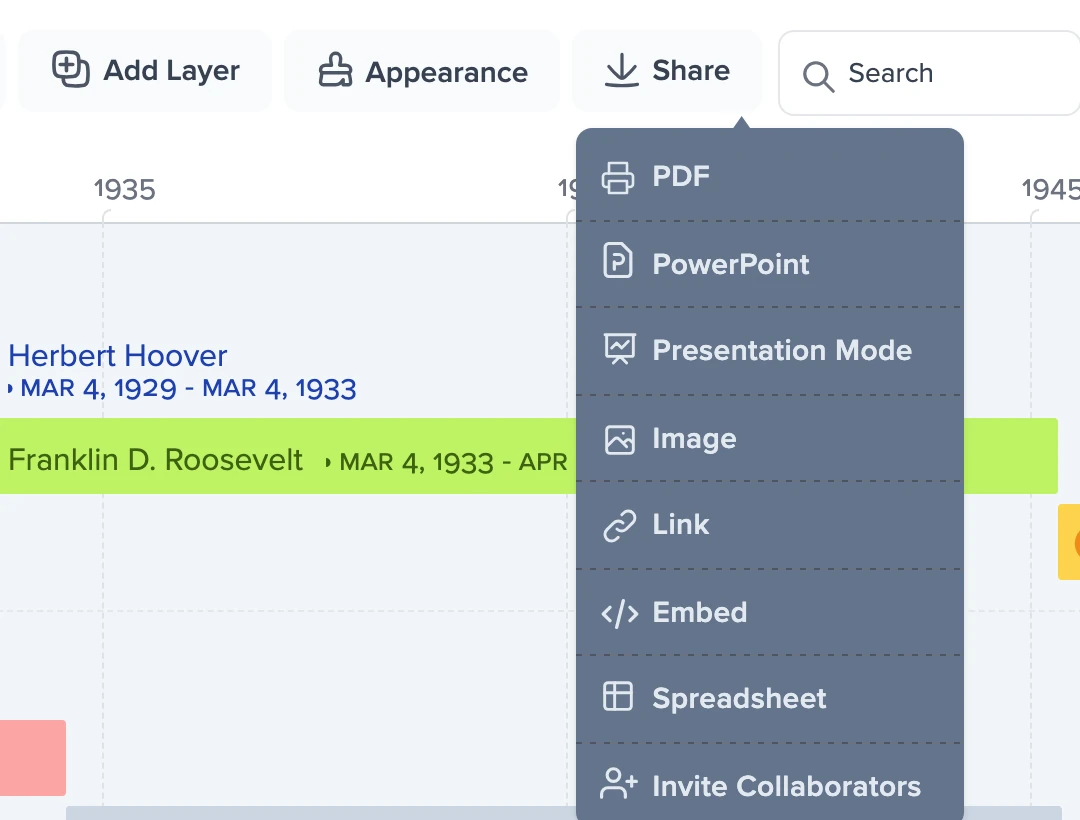
When your timeline is finished, share it with a link, export it as a PDF, image, PowerPoint file or spreadsheet, or present it in Presentation Mode.
Everything You Need to Create a History Timeline
Here's what students can do with Preceden.
Drag and Drop
Reposition events in seconds to adjust how your timeline is organized.
Zoom
View all events at once or zoom in to focus on a specific historical era.
Layers
Give each country, ruler or theme its own layer, stacked on the same date axis so parallel histories line up.
Connections
Draw connecting lines between related events to show how they fit together.
Bulk Editor
Add and edit many historical events at once in a spreadsheet-like grid, instead of one at a time.
Time Support
Add exact start and end times to events when a date alone is not precise enough.
Privacy Controls
Control who can see your timeline by making it private, password-protected, or accessible via a secret URL.
Images
Upload images or search the web for Creative Commons photos to display on your timelines.
Themes
Apply one of our built-in themes to change how a timeline looks.
Approximate Dates
Mark a date as approximate so viewers know the exact date is unknown.
Search & Filter
Search a crowded history timeline to show only the events you care about.
Optional End Dates
Events with an end date appear as a bar; events without one appear as a single icon.
Icons
Choose from over 3,600 icons to show what each event represents.
Notes
Attach notes to an event, a layer, or the timeline as a whole to record extra detail.
BC Dates
Chart events from thousands of years ago using BC dates.
Date Picker
Pick a date from the calendar, or type it in when you want control over the format.
What Students and Teachers Are Saying About Preceden
I have my AP World History students create a timeline for each period where they include the major events, the cause and the effect of the event, and why they chose that event. My students love Preceden because it is so easy to use and helps to visually see what we talk about in class.
Preceden has proven an extremely useful tool for both organizing and displaying data for my dissertation research. The simple-to-use interface offers the exact functionality that I need without distractions.
I am also a homeschooling parent and was looking for an app to use for history studies. My main criteria were for the app to be online and simple to use. I evaluated at least five different downloadable apps and several online versions. The downloadable apps were way too complicated to use, and the online apps were mostly meant for social sharing. Preceden is extremely easy to use and it lets me focus on my studies and not on the mechanics of organizing my notes.
I use Preceden to create an embedded 12-week schedule for my students so they can get an overview of what's coming next. Also, to create a weekly timeline for classes, tasks and assignments as well as a visualization of the various potential learning paths available for my prospective students. I love the simple, clean design and the detailed data that appears in the event list below the visualization. There are also multiple color and layout options available to customize the look and feel of your timelines.
FAQs about Preceden
How do I build a history timeline with Preceden?
After you sign up, you'll pick a starting layout and color theme, then name the timeline. As you add events, Preceden updates the timeline visualization automatically. A timeline created this way is private until you choose to share it.
Why choose Preceden?
Students choose Preceden for its straightforward interface and visualization features, which make history timelines quick to create and share. There is no fumbling with pencil and paper, and no hours spent learning another tool.
Can I build a history timeline for free?
Yes, you can sign up and create unlimited history timelines with up to 10 events each for free. We have paid plans that let you add unlimited events and also provide more advanced functionality.
Do you have help for a school timeline project?
Yes. Our timeline project ideas page suggests subjects for history, science and English classes, and timeline projects for school walks through building one and handing it in. There are also guides for a biography timeline and a book report timeline.
Can I use Preceden for homeschooling?
Yes. Instead of a separate timeline for each project, you can keep one history timeline that grows with every lesson, like a digital Book of Centuries. Our page on keeping a homeschool history timeline shows how to set one up.
Are there history timelines my students can study from?
Yes. Our history timelines are free to read and grouped by topic, including ancient history, American history, World War II and the history of science. Students can read one alongside a lesson or use it as a model before building their own.
Can I turn a timeline into a worksheet for my class?
Yes. Hide the event names or dates in the timeline's Appearance settings, download the timeline as a PDF to hand out, then download the event list on its own as the answer key. Our guide to making a timeline worksheet or graphic organizer walks through each step.
What if I have more questions?
Browse our support docs for answers, or drop us a note anytime and we'll get back to you shortly: [email protected]
Preceden for Other Kinds of Timelines
Preceden is built for more than one kind of timeline. Here's what else people use it for.
- Project Management Plan and communicate project schedules.
- Legal Cases Build case chronologies attorneys can share.
- Research Map out historical and academic research.
- Fiction Writing Track characters, plots, and fictional histories.
- Genealogy Line up your ancestors' lives on one date axis.
- Personal Timelines Map the homes, jobs and milestones of your own life.
- Homeschool Keep a history timeline that grows with your lessons.
- Timeline Templates Start from a ready-made layout instead of a blank page.