
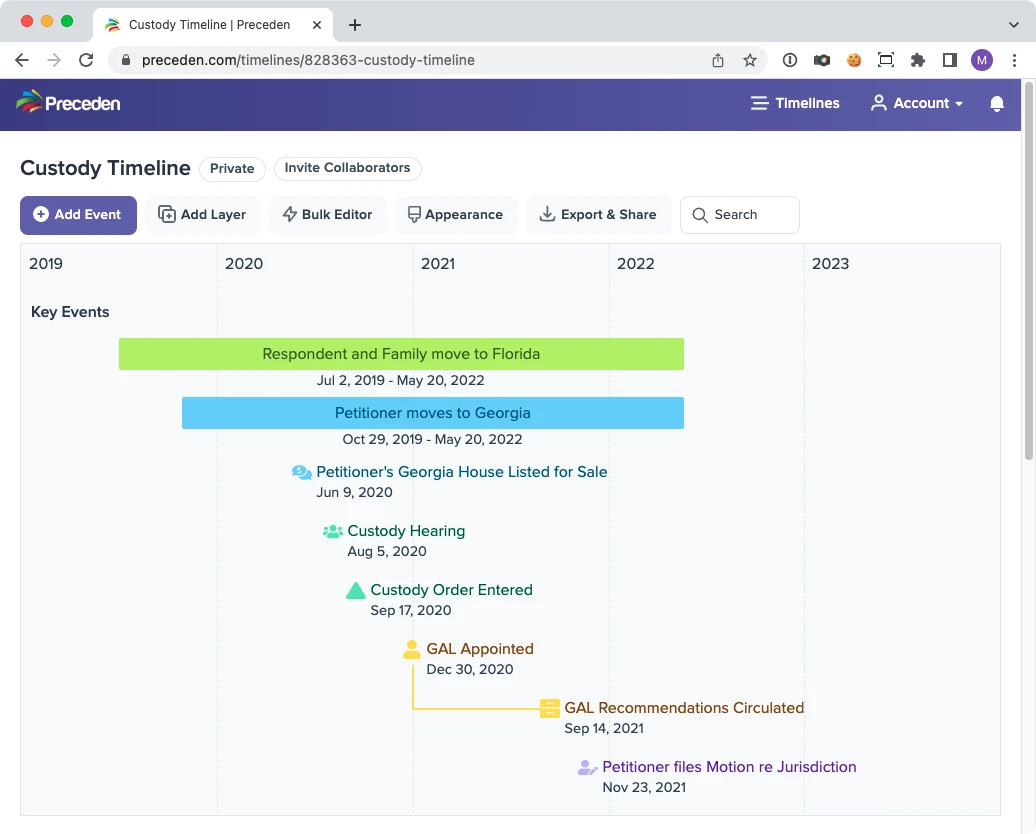
Create Legal Timelines With Ease
Legal matters often involve dozens of events spread over years, which makes them hard to follow. Put those events on a Preceden timeline and the case history becomes clear to your audience.
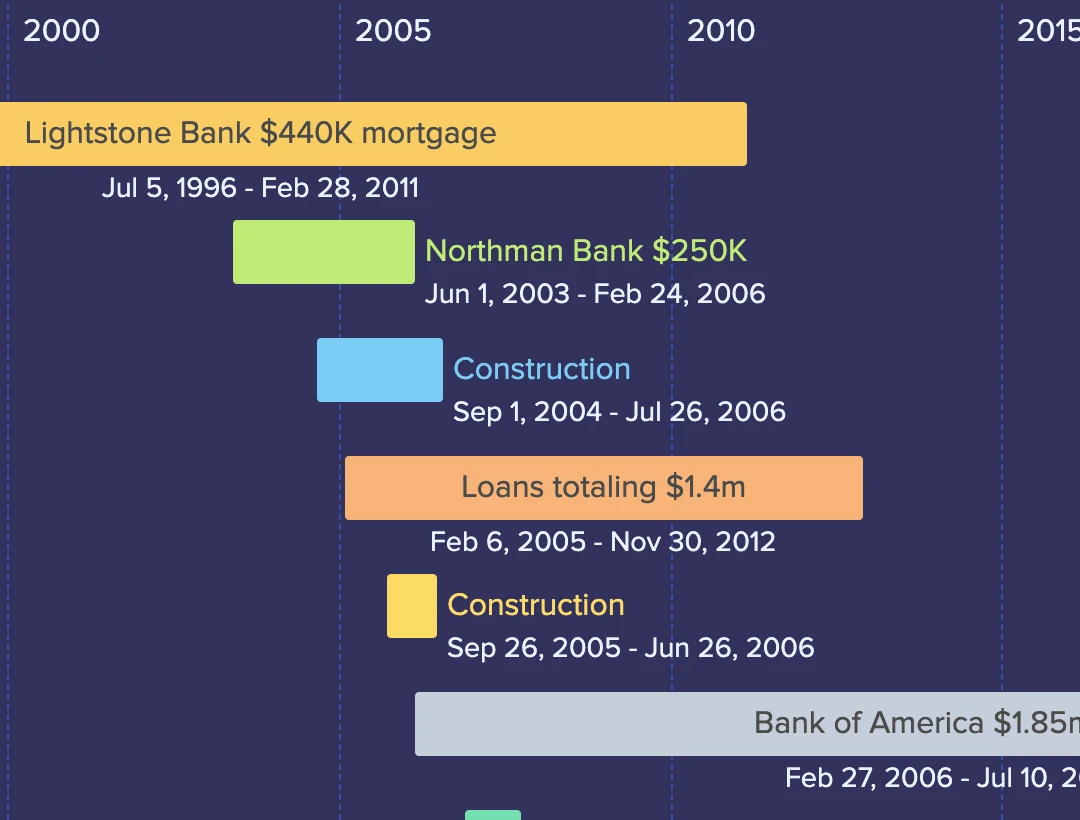
Visualize Detailed Case Histories
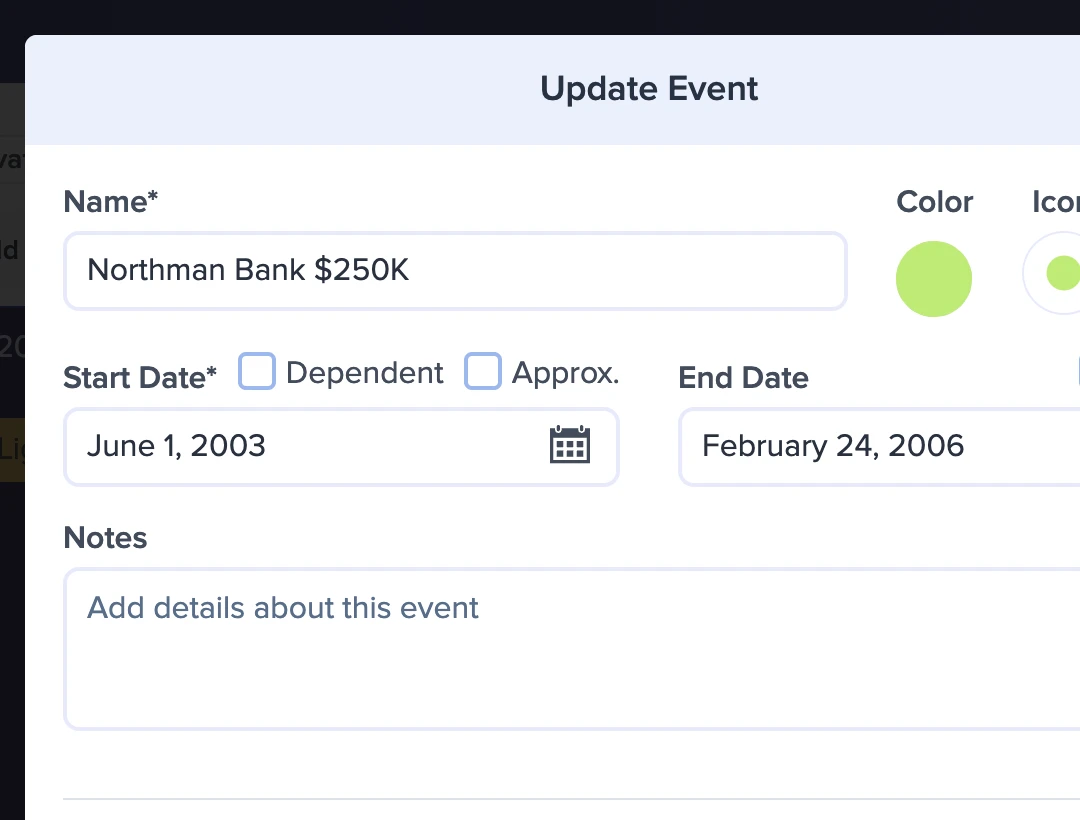
Event notes, approximate start and end dates, layers, images, and icons all go into building a clear legal timeline.
Share and Collaborate
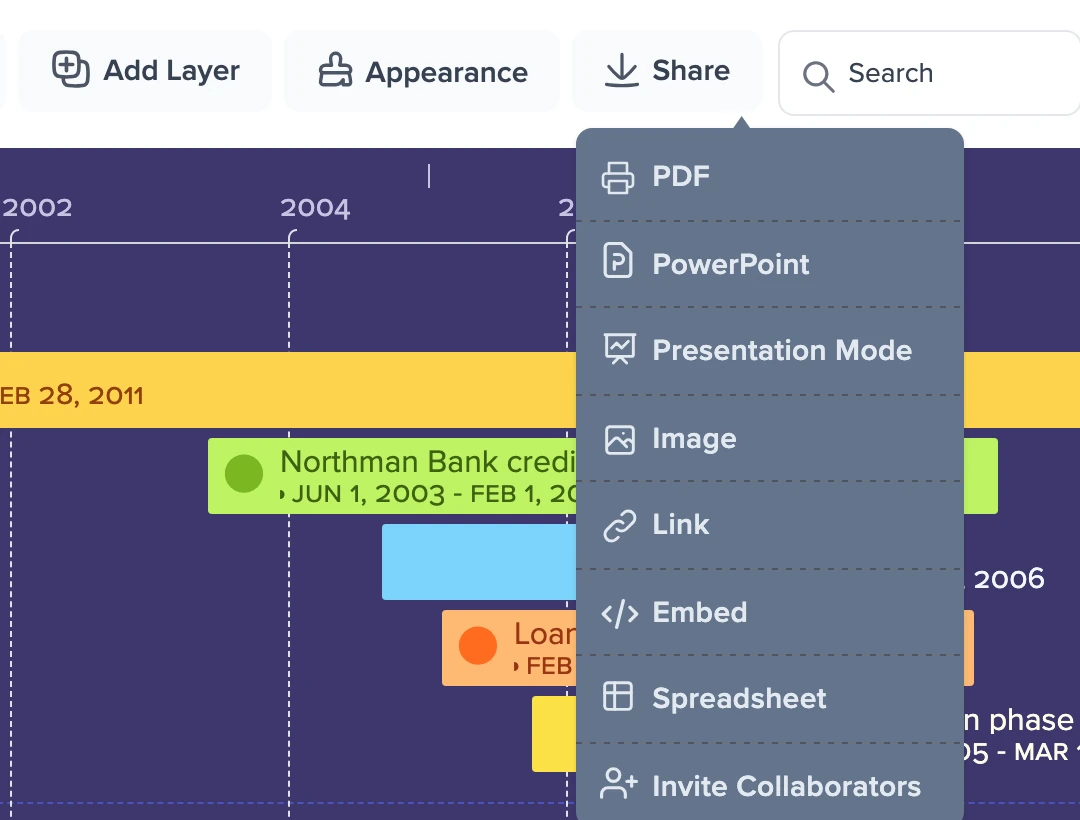
On Pro plans, invite colleagues to edit the case timeline alongside you. Then export the finished chronology as a PDF, an image, or a presentation slide, or share it with a link.
Everything You Need to Create a Legal Timeline
Here's what attorneys can do with Preceden.
Drag and Drop
Update dates and reposition events in seconds as you build your case timeline.
Zoom
View all events at once or zoom in to focus on a narrower time period.
Layers
Give each party, witness or issue its own layer, stacked on the same date axis so you can compare accounts.
Connections
Highlight the relationship between key events by connecting them on your timeline.
Bulk Editor
Add and edit many events at once in a spreadsheet-like grid, instead of one at a time.
Time Support
Specify the exact times events took place to build more granular timelines.
Privacy Controls
Control who can see your timeline by making it private, password-protected, or accessible via a secret URL.
Legends
Add a legend to inform viewers what the colors you've chosen represent.
Images
Upload images or search the web for Creative Commons photos to display on your timelines.
Themes
Apply one of our built-in themes to change how a timeline looks.
Approximate Dates
Mark event dates as approximate to signal to viewers that the exact date is unknown.
Duplication
Save time by quickly duplicating events, layers, or even entire timelines.
Search & Filter
Search a crowded case timeline to show only the events you care about.
Durations
Enter a duration like "3 weeks" as the end date and Preceden will calculate the actual date for you.
Optional End Dates
Events with an end date appear as a bar; events without one appear as a single icon.
Icons
Choose from over 4,600 icons to convey what each event represents.
Notes
Attach notes to an event, a layer, or the timeline as a whole to record extra detail.
Date Picker
Pick a date from the calendar, or type it in when you want control over the format.
What Others Are Saying About Preceden
The number one thing I love about Preceden is its ability to help me organize my cases. By the time I'm done going through the files and putting all of the milestones into a timeline, I know the case inside and out. Read More
If you’re visually oriented, you’ll appreciate the way Preceden allows you to create layers on the timeline that help organize similar information in your chronology. You can have one layer for background information such as marriage dates, birth dates, etc. You can have a layer for settlement information to track the timing and frequency of offers. You can also have a layer for bad acts to ensure that nothing slips through the cracks when you’re preparing for a hearing. Read More
FAQs about Preceden
How do I build a case timeline with Preceden?
After you sign up, you'll pick a starting layout and color theme, then name the timeline (such as the name of a case). As you add events, Preceden updates the timeline visualization automatically. Our guide to making a chronology covers how to collect events source by source, settle uncertain dates and record where each entry came from.
How do I present a case timeline in court?
Print the timeline or export it as a PDF to bring to a hearing or mediation, add it to a PowerPoint or Keynote deck, or show it on screen in Presentation Mode, which hides the editor so only the timeline is visible. To focus on one witness or issue, type a word into the Search box first and only the matching events stay on screen.
Why choose Preceden?
Lawyers and others involved in legal disputes choose Preceden for its straightforward interface and visualization features, which make a detailed legal timeline quick to build. There is no complex software to learn, so you will be up and running in minutes.
Can I build a case timeline for free?
Yes, you can sign up and create unlimited case timelines with up to 10 events each for free. We have paid plans that let you add unlimited events and also provide more advanced functionality.
What if I have more questions?
Browse our support docs for answers, or drop us a note anytime and we'll get back to you shortly: [email protected]
Preceden for Other Kinds of Timelines
Preceden is built for more than one kind of timeline. Here's what else people use it for.
- Project Management Plan and communicate project schedules.
- Education Bring class projects and lesson plans to life.
- Research Map out historical and academic research.
- Fiction Writing Track characters, plots, and fictional histories.
- Timeline Templates Start from a ready-made layout instead of a blank page.