-
Use Cases
-
Resources
-
Pricing
By Matt Mazur · Last updated September 18, 2026
If you want to create a timeline – whether it’s for work, school, or otherwise – choosing an online timeline maker is the way to go.
Many of the good online timeline creation tools out there make it easy to not only create a timeline but to print and share it as well.
In this guide, we’re going to walk you through creating a timeline online with a super simple (and free) online timeline maker, Preceden.
It’s free to sign up, and Preceden allows you to create professional timelines in minutes.
You can create an account with Preceden timeline maker for free by visiting the home page.
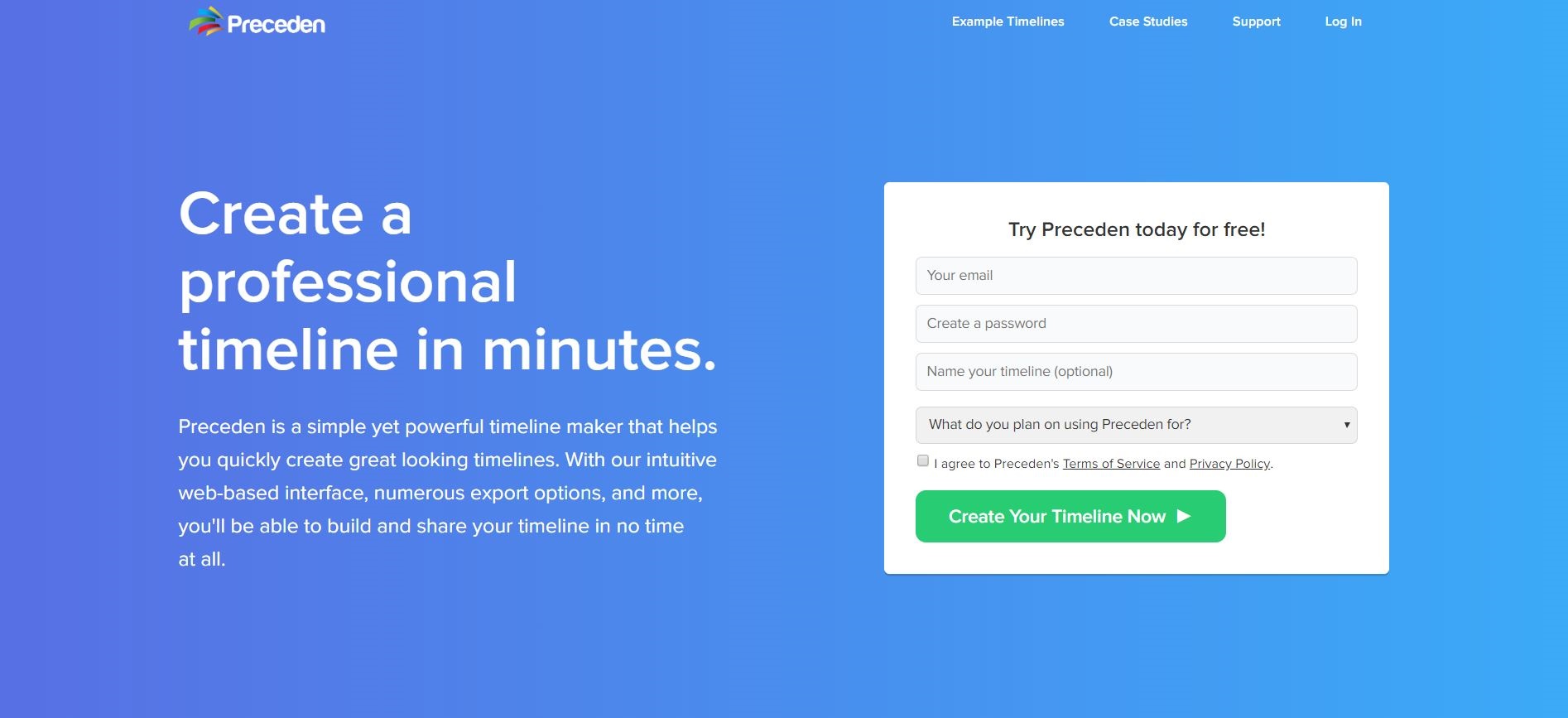
After creating your account, you’ll land on the following page, ready to create your first timeline:
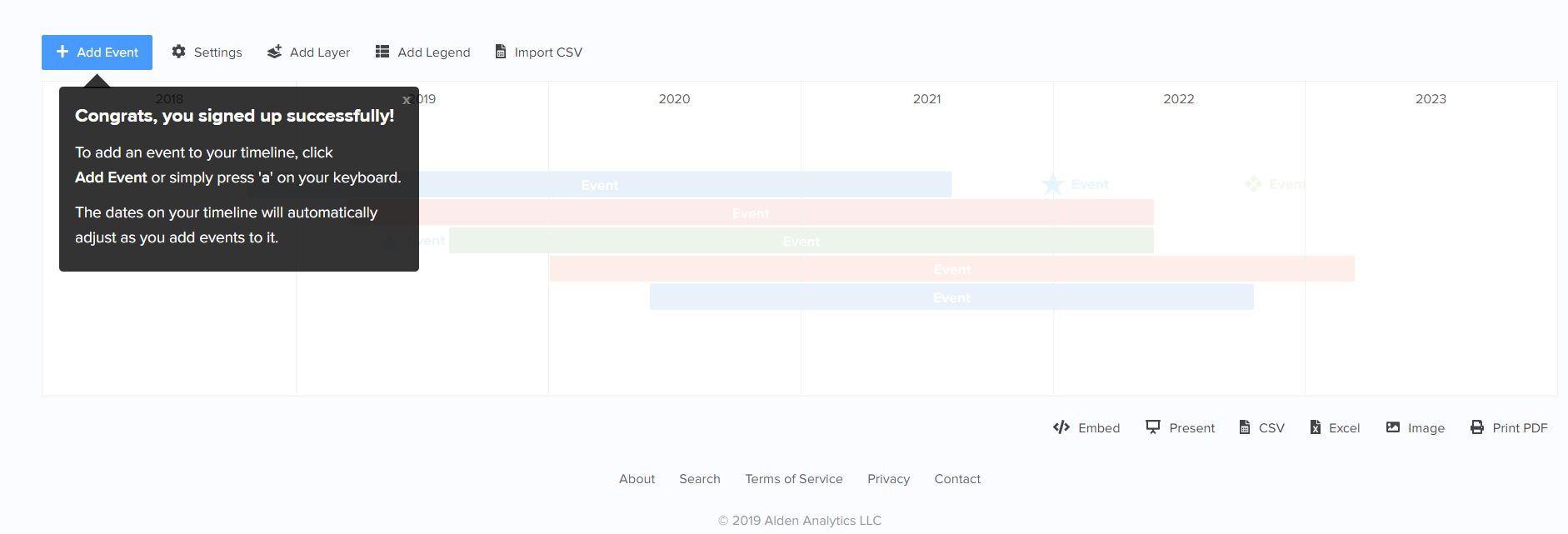
Preceden allows you to easily add events to your timeline that are automatically organized, labeled, and color-coded.
Click the blue button in the upper left corner of the screen that says Add Event.
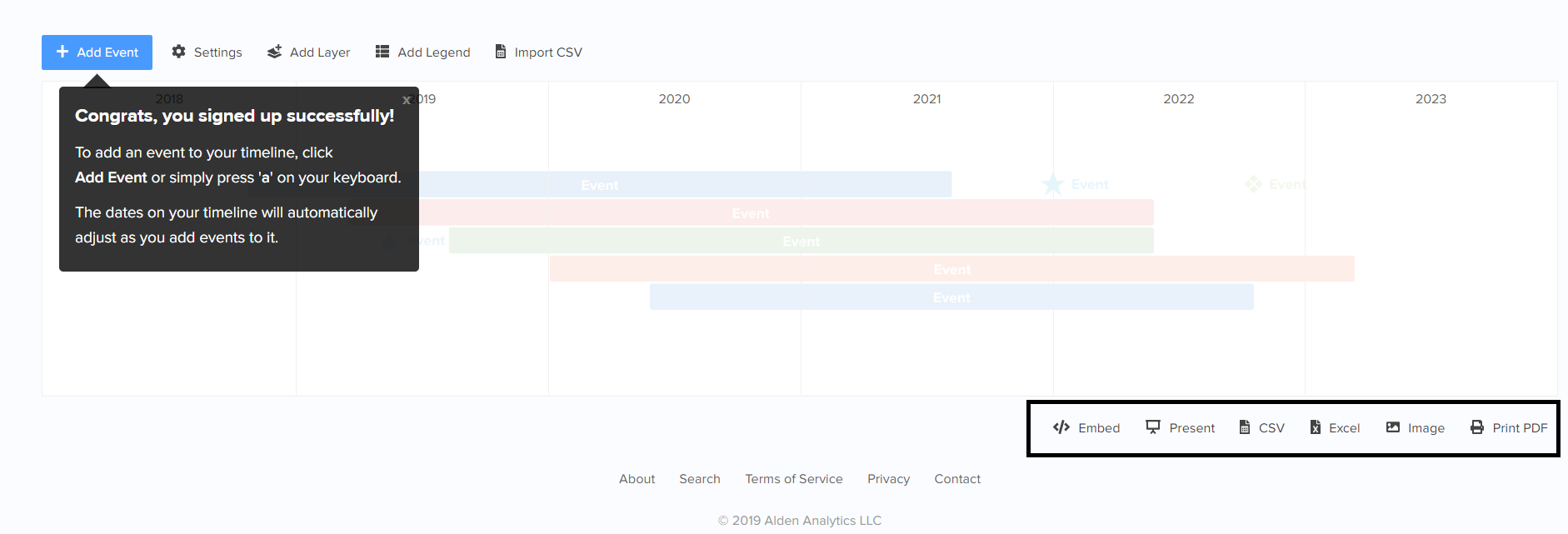
Also, notice the other options highlighted in the bottom right corner of the image above.
Preceden allows you to embed and present your timeline as well as export to CSV, image, or a printable PDF.
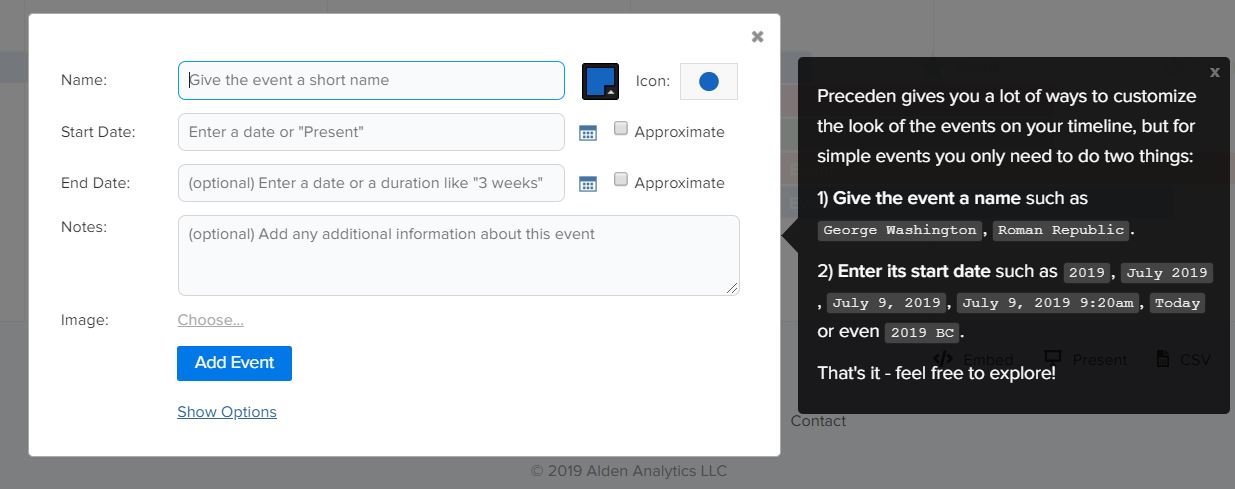
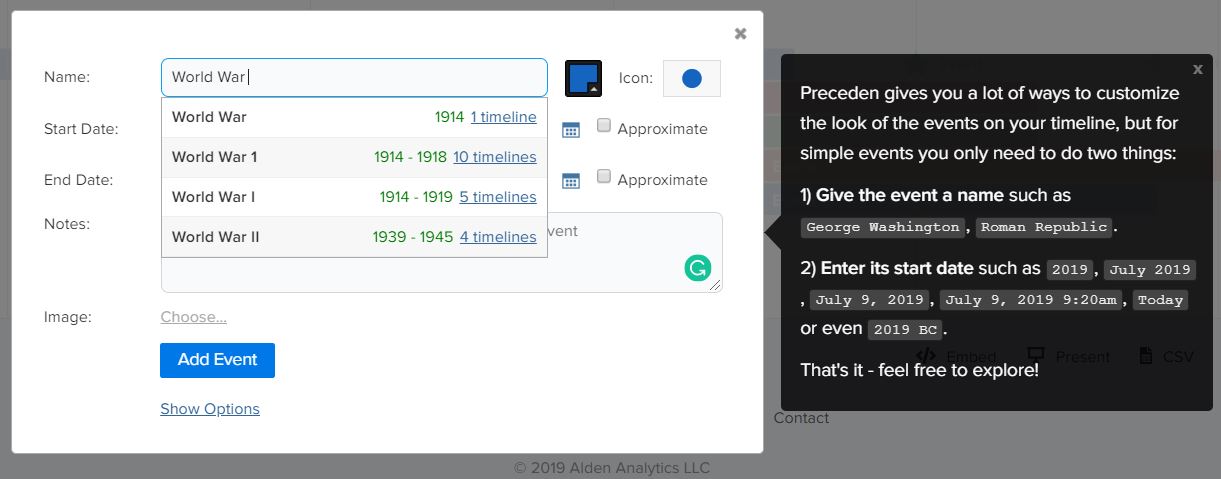
After clicking the blue Add Event button, you’ll see a box pop up on your screen, asking for some information about the event.
For starters, you can give your event a name, a start date, an end date, a description, and even an image.
In addition, you can customize the event’s color and a few other cool things that we’ll talk about further down the page.
Here’s another cool feature:
Preceden will automatically pull data from major events that other users have already added to their timelines.
As you can see, the name, start, and end dates are auto-filled by Preceden, making things that much easier for you.
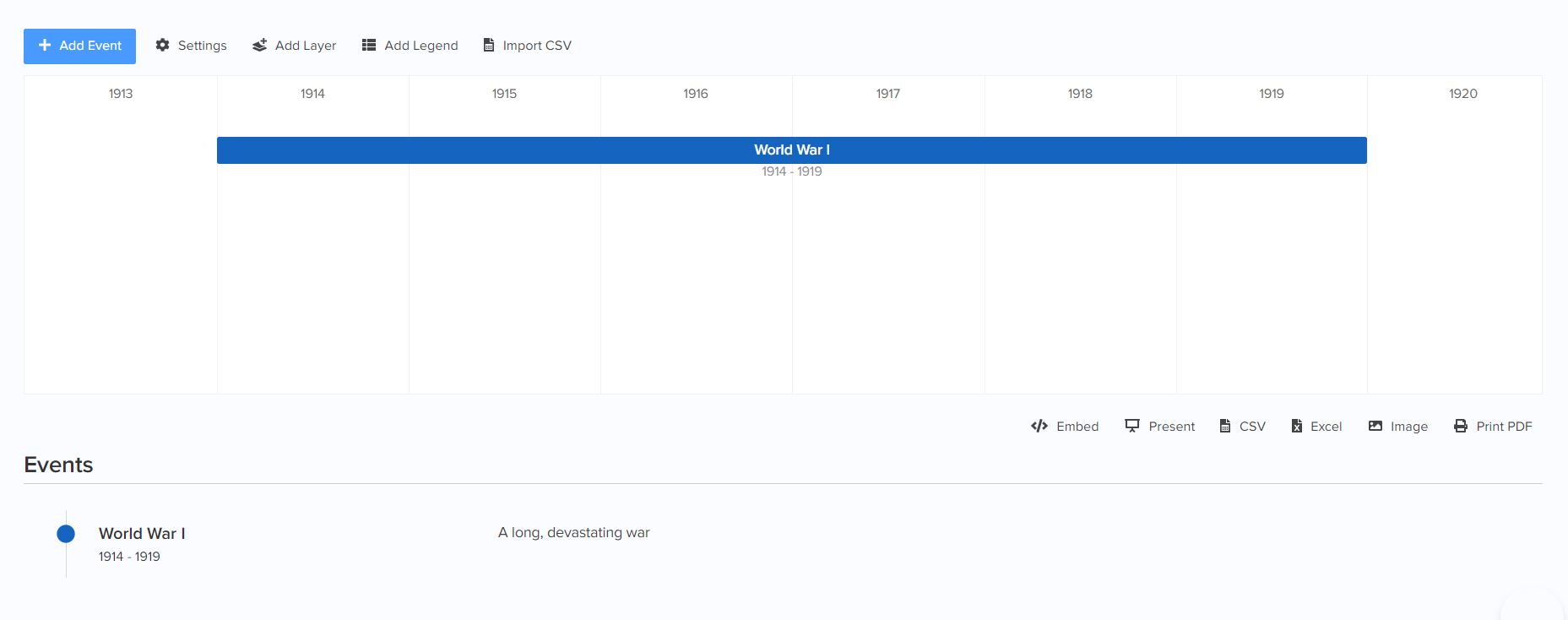
As you can see here, the event was added to the timeline:
Next, add the rest of the events to your timeline.
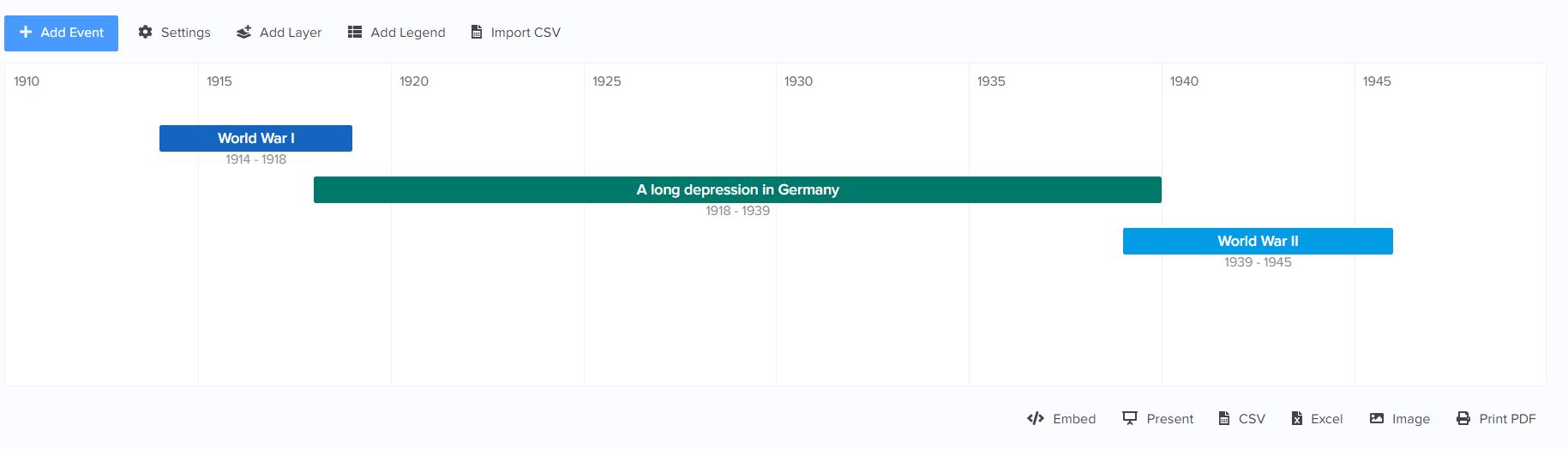
It’s that easy!
Tip: Already have data for your timeline events? You can import a CSV file to make your timeline even faster!
Now that your basic timeline is completed, you can customize your timeline even further with Preceden’s customization options.
Unlike other online timeline makers out there, Preceden has a lot of neat features to offer.
Check out all of the options you have in the timeline creation window:
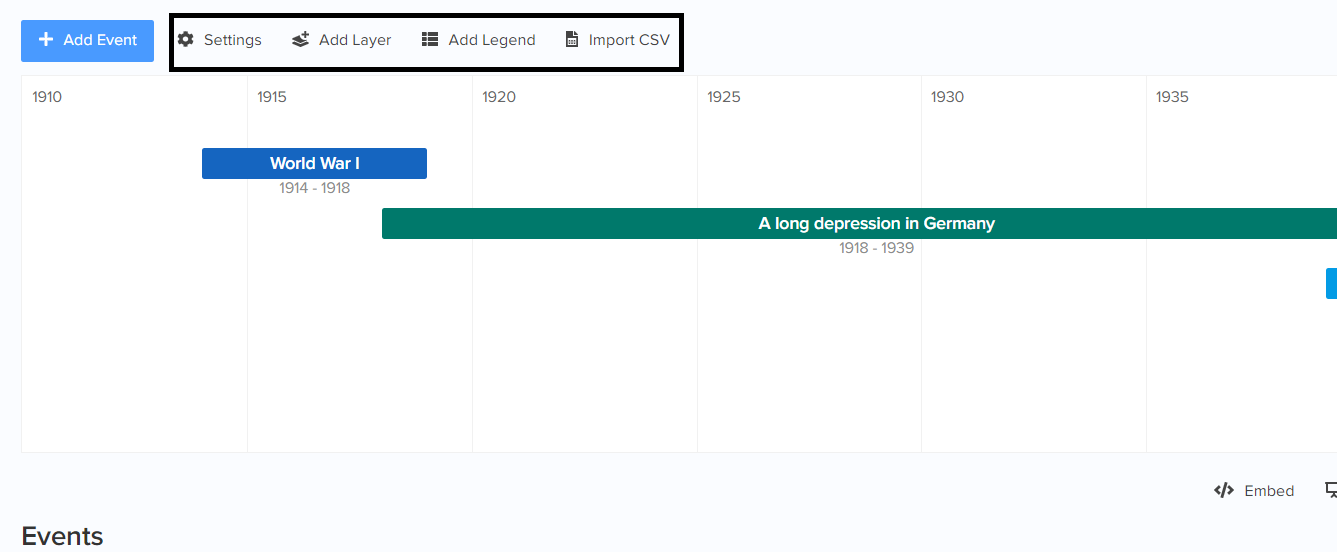
First off, you can add a legend to your timeline.
Why is this useful for you?
Let’s say you want to color code the events of your timeline – you can use Preceden’s legend tool to explain what each color means.

Better still, Preceden also has a neat layering feature that makes your timelines look even better.
Layers allow you to group similar types of events together on your timeline.
In a timeline about your life, for instance, you can have one layer for places you’ve visited, one for places you’ve lived, and one for places you’ve worked.
You can learn more about how you can use layers to make your timelines amazing here.
As you can see, thanks to its ease of use and free to sign up pricing model, Preceden is one of the best timeline software applications on the web. Sign up now!