
Reveal a Hidden Layer
A hidden layer disappears from the timeline diagram, but it stays in the outline of layers and events below it. You can spot it there because its name and events appear faded.
If the layer's name still shows on the timeline but its events are gone, the layer is collapsed, not hidden. Click the arrow beside its name to expand it again (see Collapse and Expand Layers).
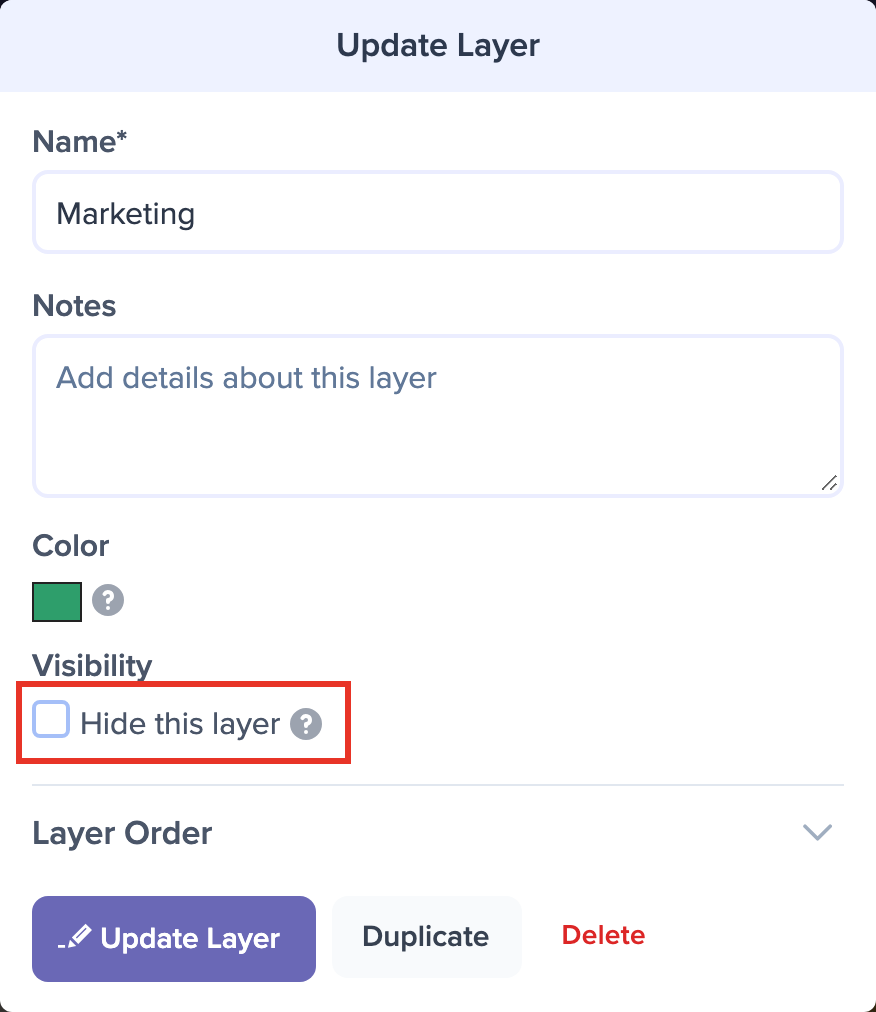
To reveal it, click the layer's name in that outline. The Update Layer dialog will open.
Uncheck Hide this layer under Visibility, then click Update Layer. The layer and its events will reappear on the timeline.
Only people who can edit the timeline see hidden layers in the outline. Visitors to a shared link won't see them at all.
To hide a layer in the first place, see Hide a Layer.