
Hide a Layer
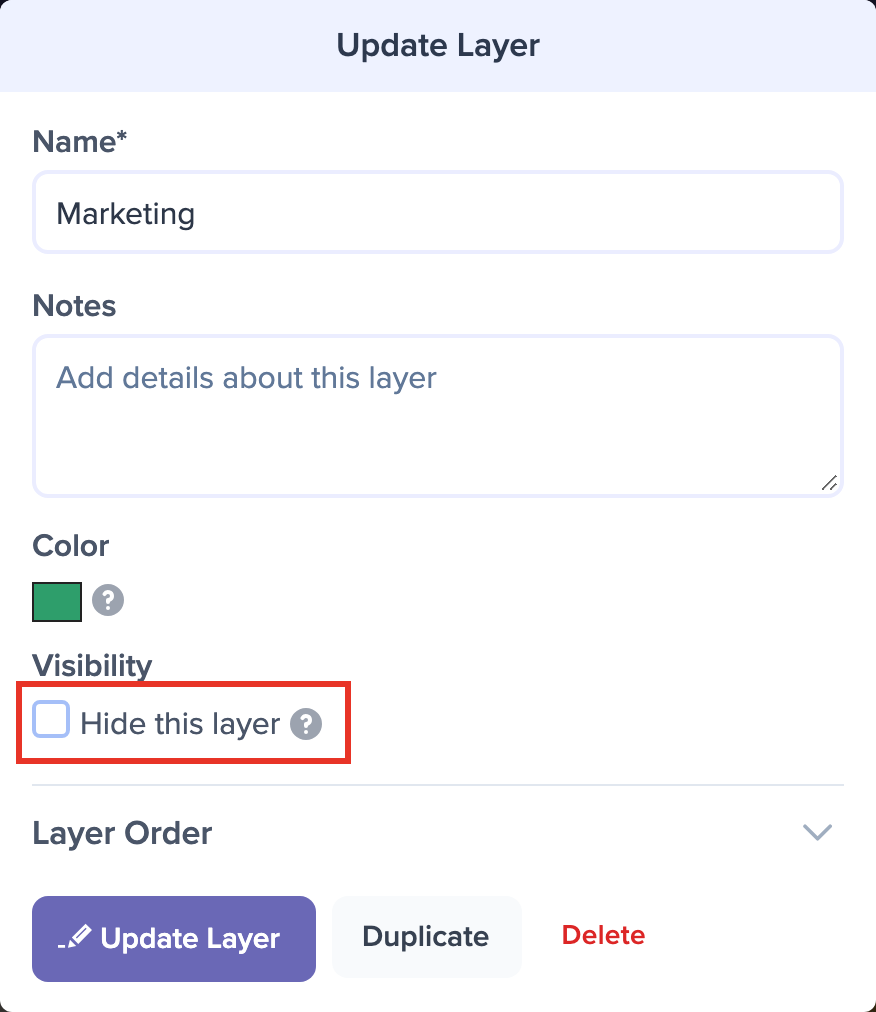
To hide a layer, click its name, either on the timeline (if the name is showing) or in the list of layers and events below it. The Update Layer dialog opens.
Check Hide this layer under Visibility, then click Update Layer to save your changes.
Hiding a layer removes it from the timeline for everyone, including exports and any link you have shared. If you only want it out of your way while you work, collapse the layer instead.
To keep a layer on the timeline but leave off its events' names, dates, or durations, see Hide Event Details Within a Specific Layer.
To bring a hidden layer back later, see Reveal a Hidden Layer.